



Winbeatz App
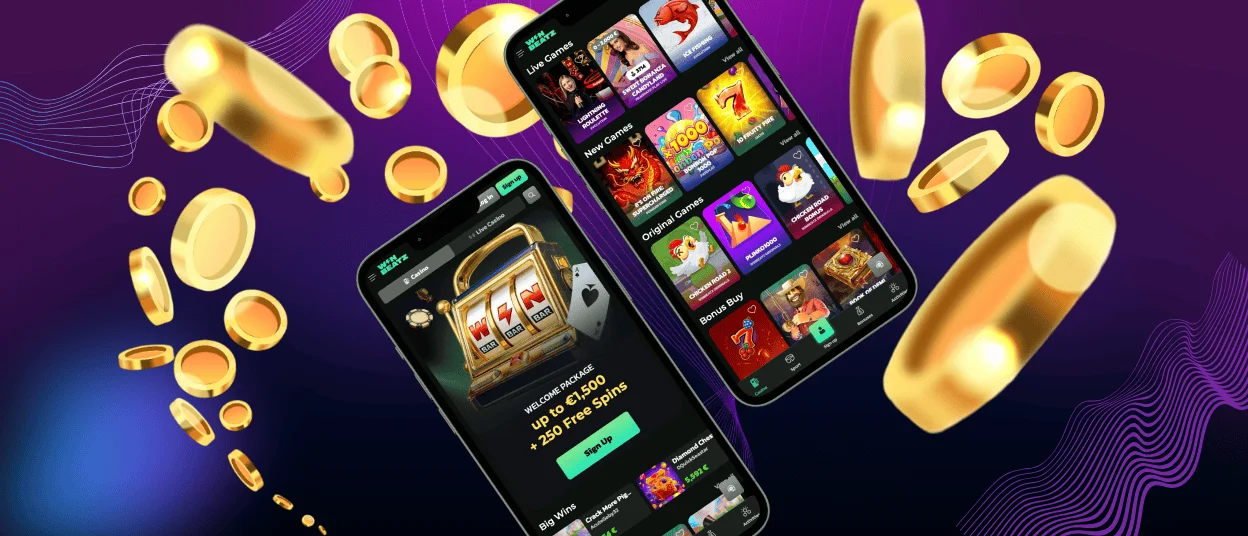
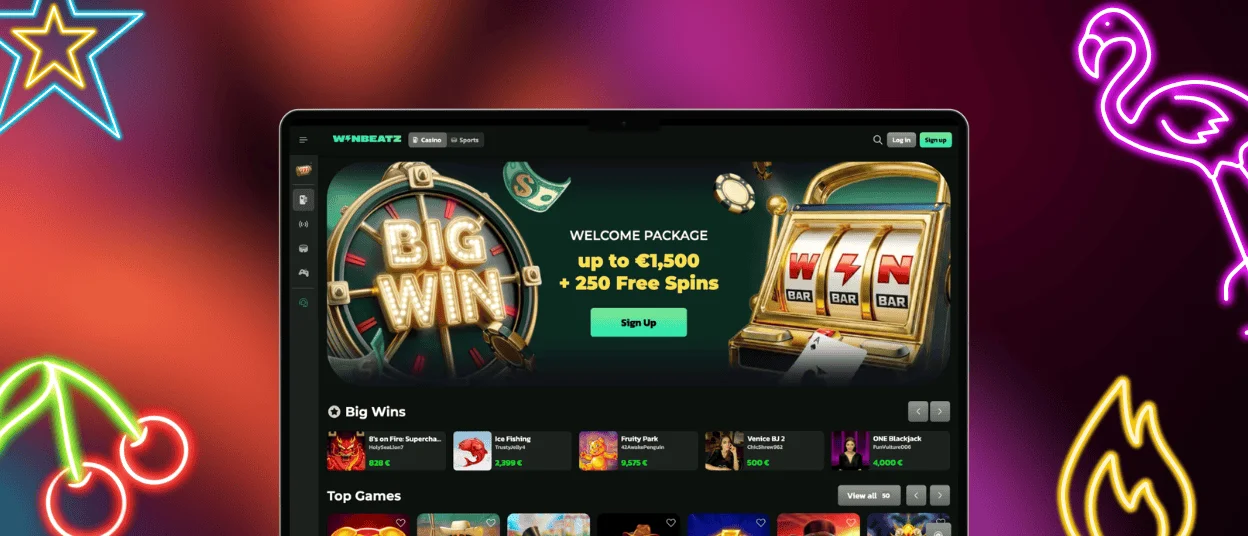
Winbeatz app gives you a simple way to use our casino on a phone or tablet without downloading from Google Play or the App Store. Add it to your Home Screen and you can open the lobby in one tap with the same account you use on desktop.
We built this app format for touch control. You get clear menus and a layout that fits smaller screens. It also keeps your balance synced when you switch between devices. Your bonuses stay linked to the same profile. Your favourites follow you across screens.

Why we use a browser-based app format
Win Beatz app runs as a Progressive Web App (PWA). You open it in your browser, then you create an icon on your device. The icon launches the application in an app-style window, so you see fewer browser elements and more of the game screen. We update this application through the website, so you always enter the current version.
What you can do in the Winbeatz app
Mobile play should feel direct. It keeps the key actions close, so you spend less time searching and more time playing.
- Start games quickly and keep controls readable. Open slots like Sweet Bonanza, then move to live roulette when you want a table with a dealer.
- Use search and filters to find a title fast. Save favourites to return without browsing again.
- Manage deposits and withdrawals inside one cashier area. Request fast withdrawals in a few taps. Confirm card payments on your phone with Visa or Mastercard.
- Activate promotions from your profile and track bonus progress during play.
- Contact our 24/7 support team through live chat from the menu.
- Protect your session with encrypted traffic and quick logout options.
Mobile features at a glance
It focuses on small-screen comfort and short sessions. The tools below help you move around the lobby with fewer taps.
| Feature in the app | How it works | What it improves for you |
| Home Screen icon | You add it from your browser menu | You launch the casino in one tap |
| App-style window | The Win Beatz app shortcut opens in a focused view | You get more space for games and the lobby |
| Session sync | It links balance and settings to your profile | You switch devices without losing context |
| Touch-first navigation | We keep buttons spaced and menus compact | You avoid wrong taps on a small screen |
| Quick search | You filter by provider or game type | You reach a specific game faster |
| One cashier flow | You deposit and withdraw in the same area | You manage payments without jumping between pages |
Winbeatz app on Android
On Android, Winbeatz runs smoothly in Chrome and other modern Chromium browsers. The PWA icon opens the app in its own window, so you can browse the lobby with less clutter. Win Beatz app keeps the same login across devices, so your recent games stay ready when you move from mobile to desktop.
To add the shortcut, open the official Winbeatz website in Chrome, tap the three-dot menu, and choose Add to Home Screen or Install app. Confirm the name and launch the Winbeatz application from the new icon.
Keep Android and your browser updated. Updates often fix loading issues in live streams and payment redirects.
Win Beatz application on iOS
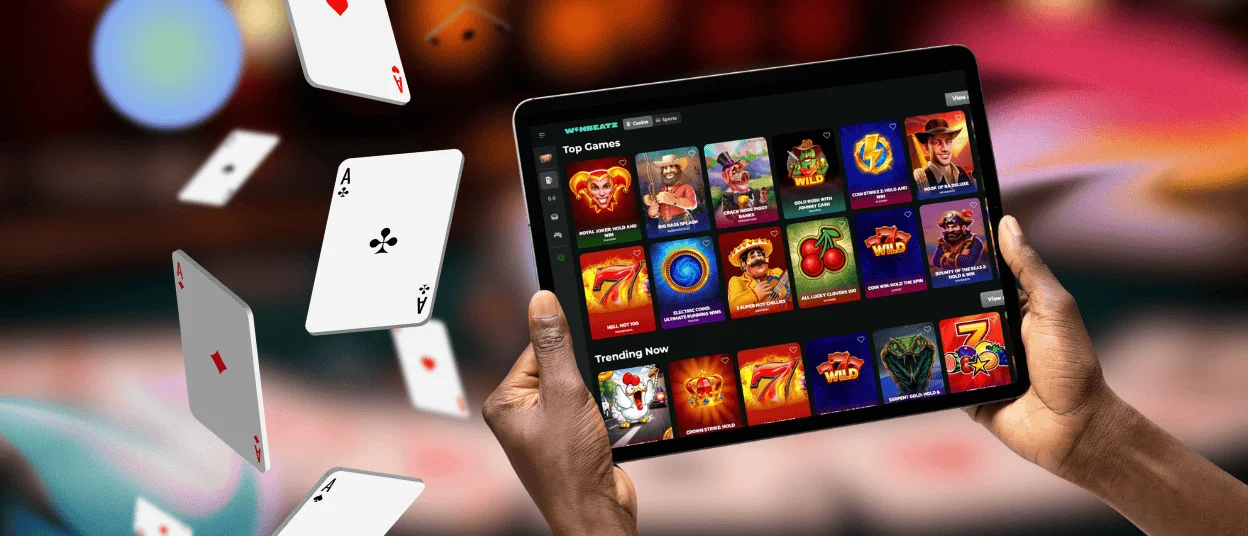
On iPhone and iPad, we recommend Safari for the cleanest setup. Safari shows the Home Screen option more reliably than in-app browsers. The Winbeatz mobile layout also adapts well to landscape on iPad, which helps when you watch a live poker table or scroll through game categories.
For the Home Screen icon, open Winbeatz in Safari, tap Share, then choose Add to Home Screen and confirm. This saves the app entry point in a focused view.
If you want faster sign-in, save your Winbeatz login in iCloud Keychain. Safari can then use Face ID or Touch ID before it fills your details.
Winbeatz on Windows and macOS
Winbeatz works on Windows and macOS in up-to-date browsers. A larger screen helps when you compare categories. It also makes bonus terms easier to read. You can upload verification documents with less friction. Win Beatz also supports a desktop PWA setup in Chrome or Edge, so you can pin the casino as an icon and open it in a dedicated window.
| Platform | Best browser for the app setup | Practical tip before you play |
| Android | Chrome or Edge | Allow pop-ups for payment confirmation pages |
| iOS | Safari | Open the site in Safari, not inside another app |
| Windows / macOS | Chrome or Edge. Firefox also works | Keep the browser updated for stable game loading |
Quick fixes for common mobile issues
- Refresh the page, then reopen the app window from the icon.
- Switch between Wi‑Fi and mobile data if a live table freezes.
- Turn off strict ad blockers for Win Beatz if a game does not start.
- Clear site data in your browser settings if the lobby looks outdated.
Frequently Asked Questions (FAQ)
Do I need a separate account for the Winbeatz app?
Use the same Winbeatz login on mobile and desktop. Your balance, favourites, and active offers stay connected to one profile, so switching devices feels seamless.
Can I remove the Home Screen icon without closing my account?
Removing the icon only deletes the Winbeatz shortcut from your device. Your account and history stay on the website, and you can add the icon again at any time from the browser menu.
Does the Winbeatz application use a lot of storage?
The Winbeatz application does not install like a store app, so it uses minimal space. Most storage comes from normal browser cache files, which you can clear in settings if you need more room.
Can VPN or ad blockers affect Winbeatz loading?
A VPN or strict blocker can stop scripts, pop-ups, or redirects that Winbeatz needs to open games or confirm payments. Turn these tools off or allowlist Winbeatz, then refresh the page and try again.
What should I do if a withdrawal stays pending?
Check the cashier status and any notes in your profile first. If the status does not change, contact our Win Beatz support team with the request time and the method you used, so the team can track it.


